
Desktop
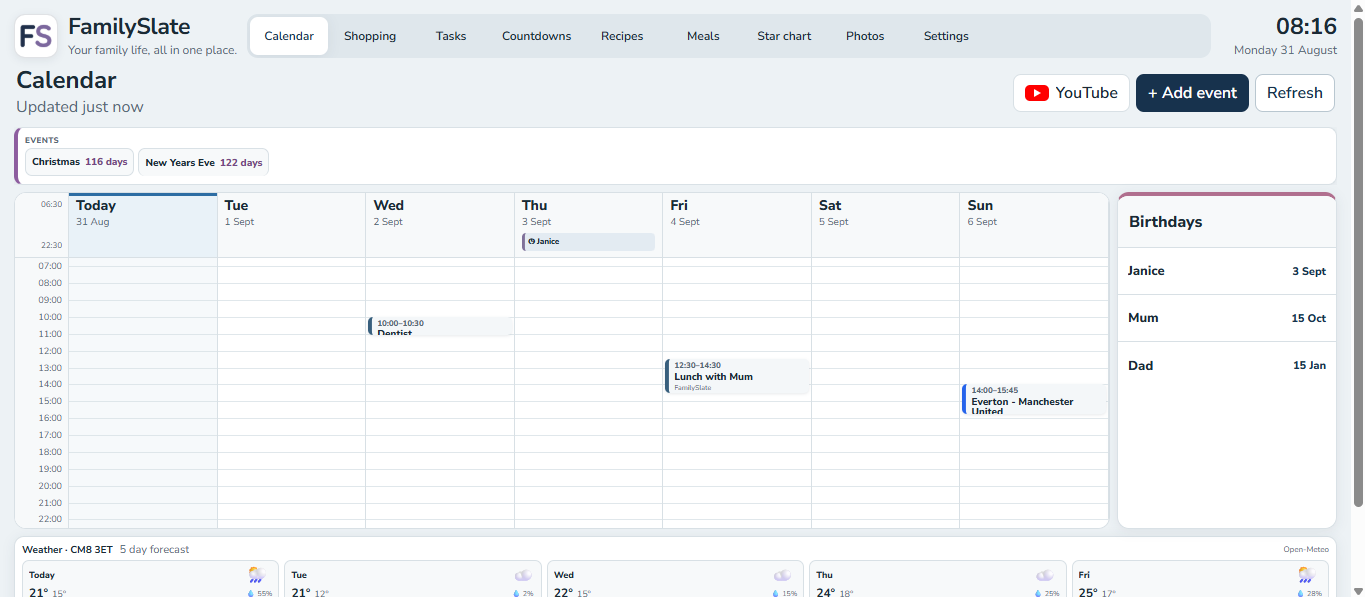
Manage the full picture on a larger screen
Desktop gives you room for a full seven-day calendar, birthdays panel and shared household overview.
FamilySlate brings calendars, shopping, tasks, countdowns, recipes, meals, rewards and photos into one flexible organiser — while letting each device show the modules that make sense for it.
New to FamilySlate? Use Get started free. Already paired on this device? Use Open my FamilySlate.
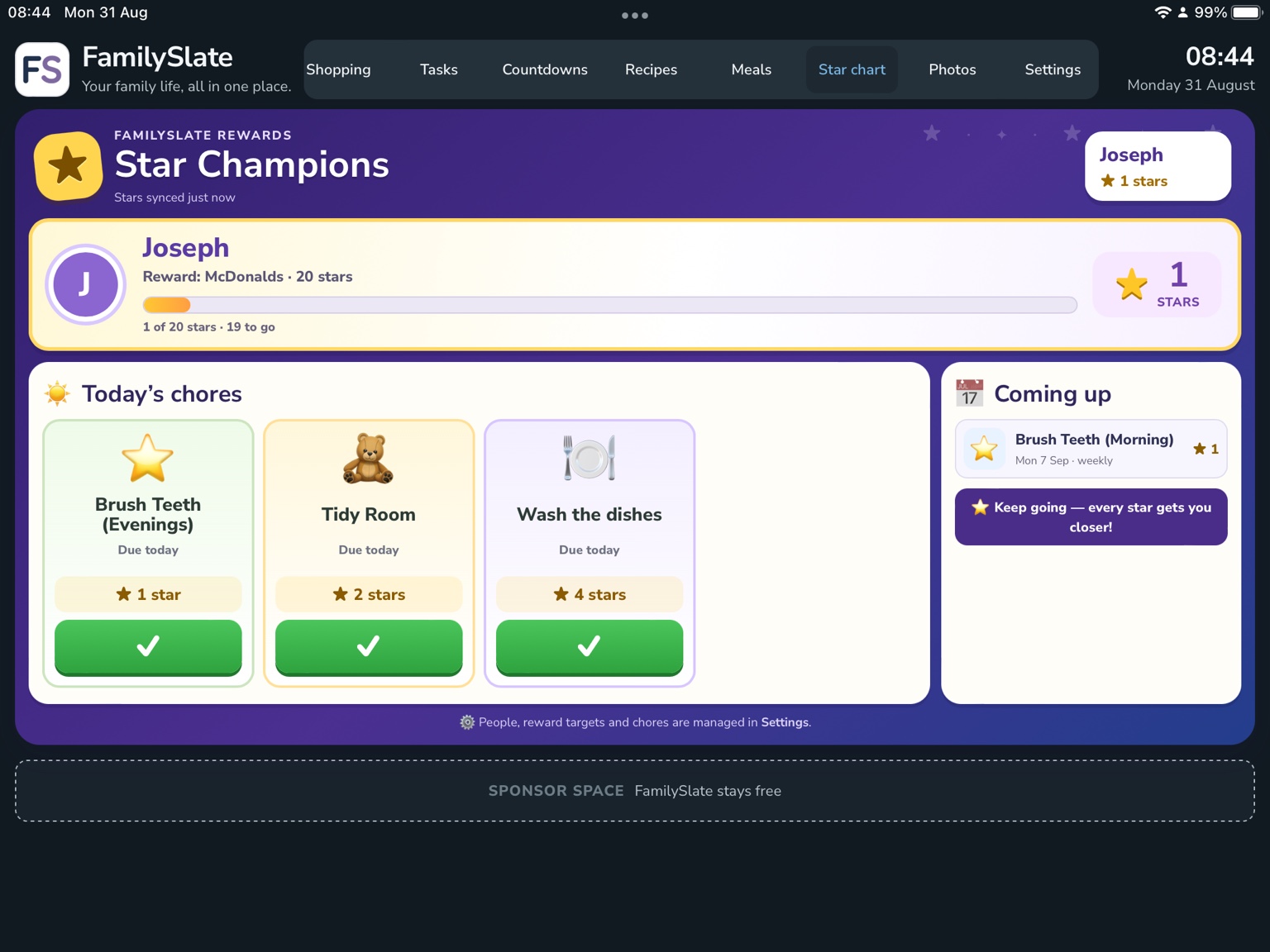
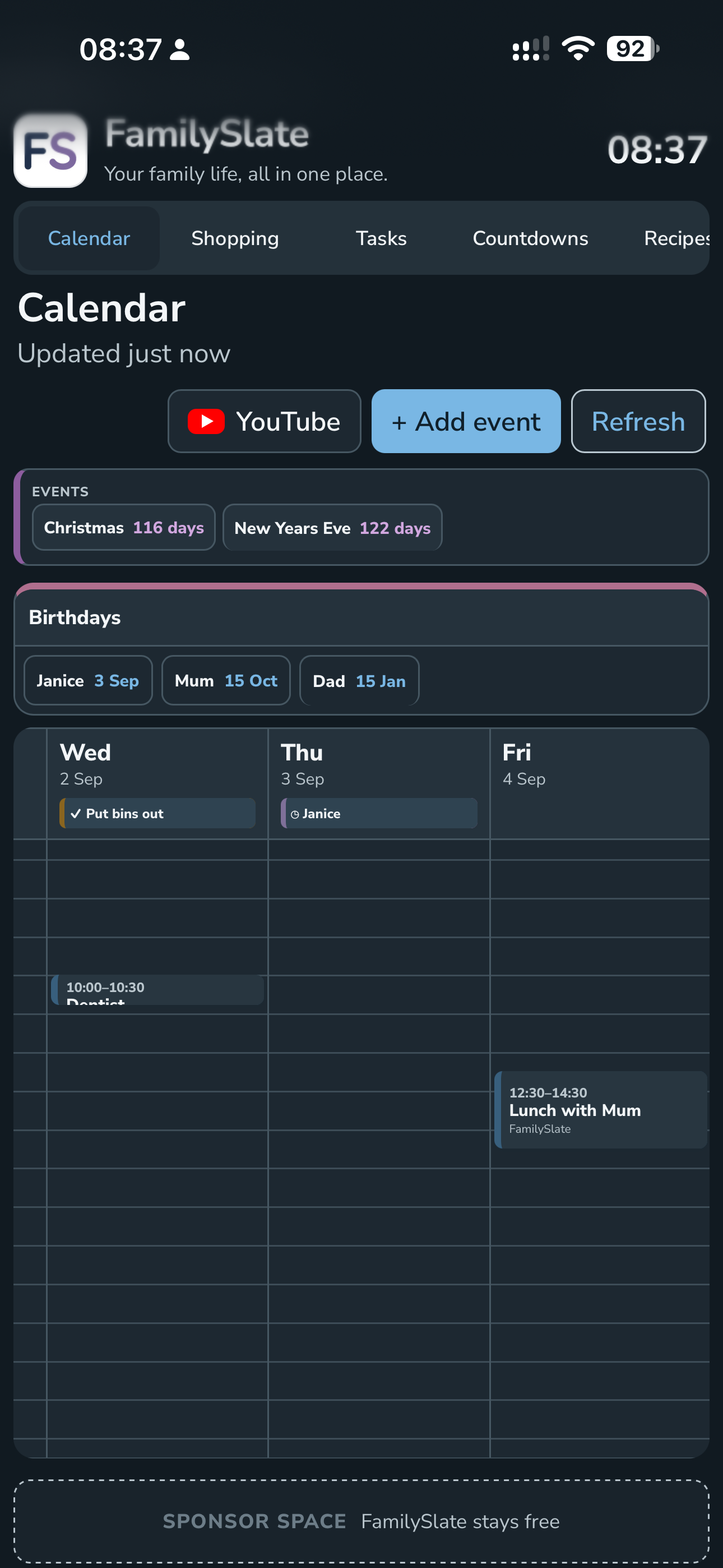
These are real FamilySlate Beta screenshots from desktop, phone and iPad — showing how the same household can feel different on each screen.
Desktop gives you room for a full seven-day calendar, birthdays panel and shared household overview.
Shopping, tasks and calendar stay easy to reach on a phone without forcing the same layout as a shared display.
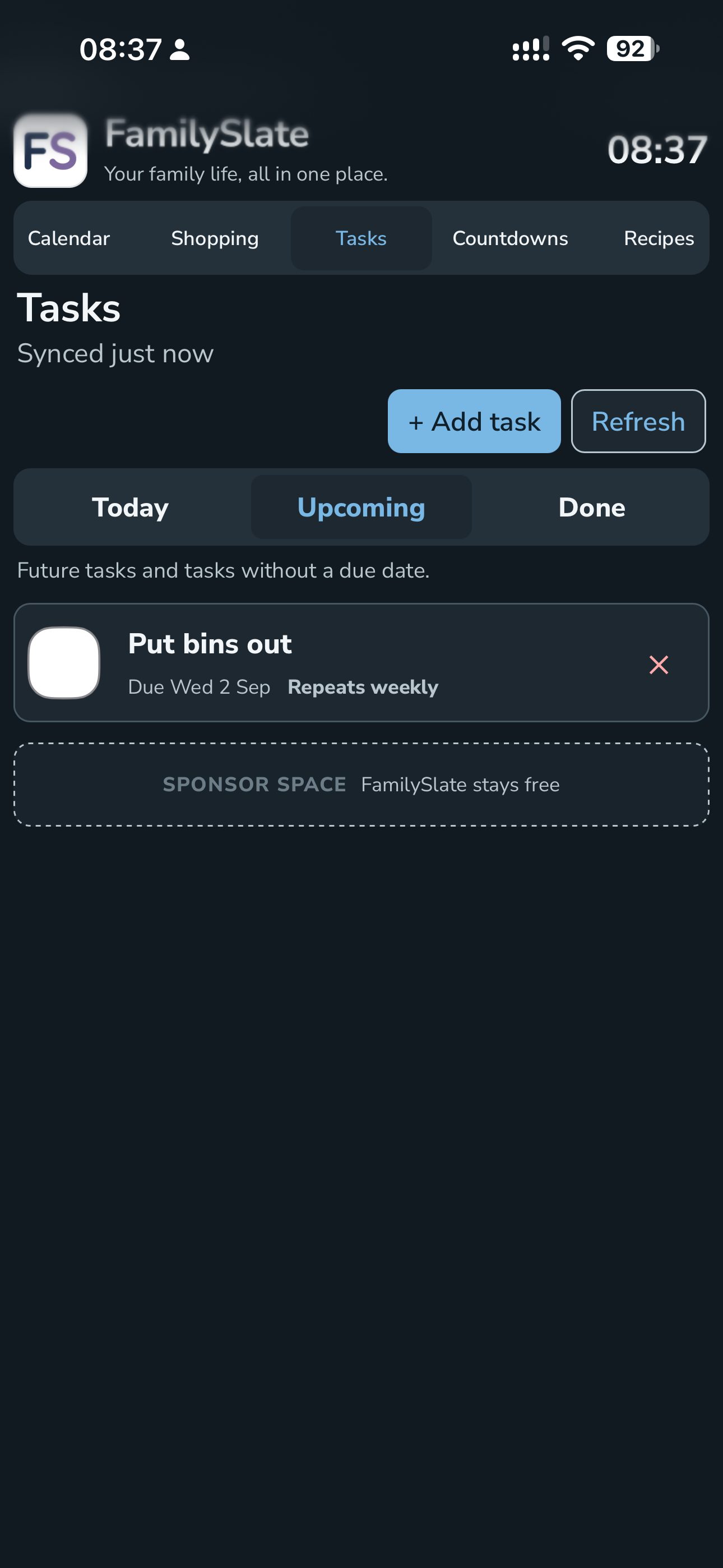
Use an iPad for a visual family hub — from star charts and calendar planning to full-screen photos when you just want the display to look good.
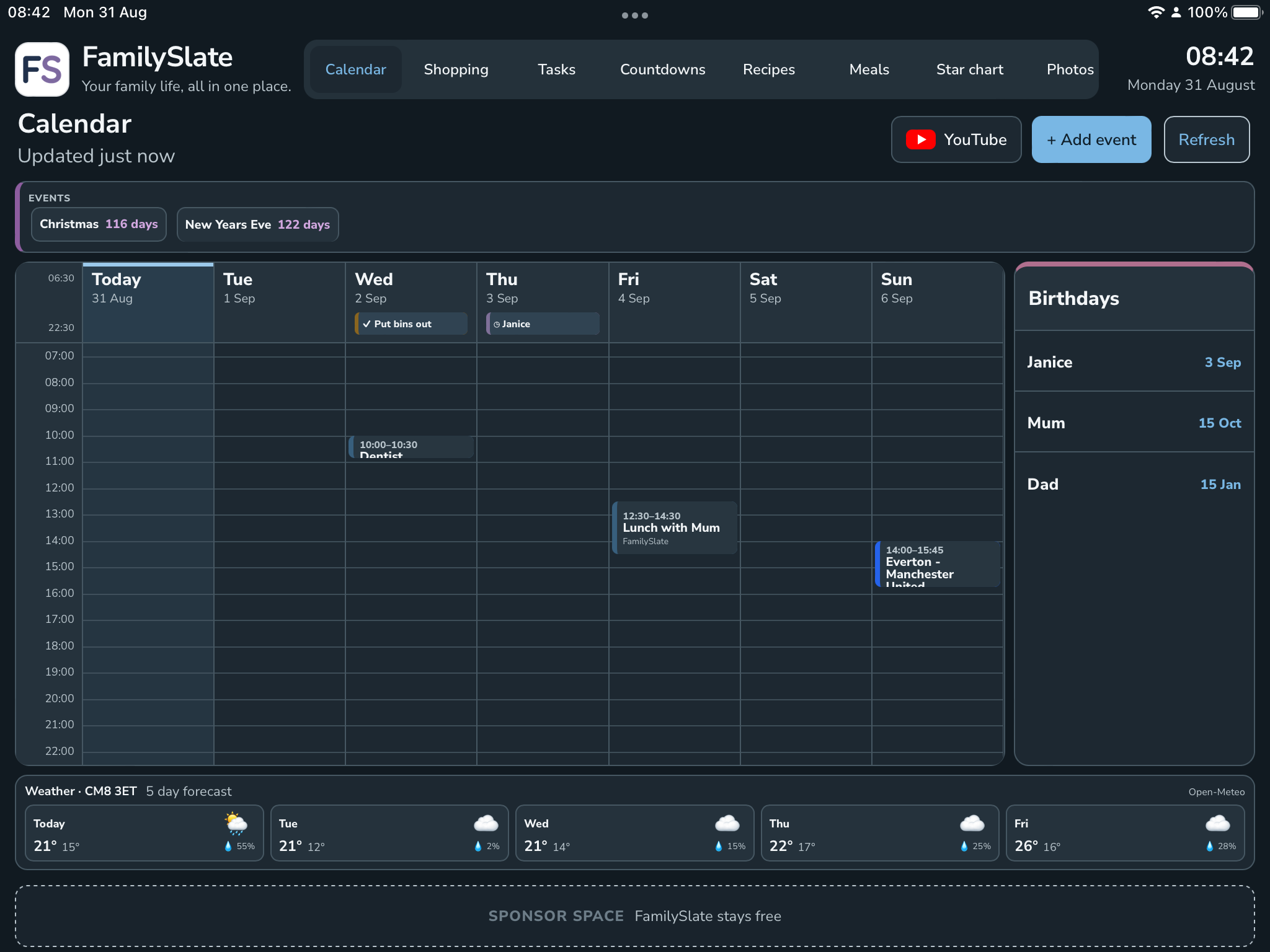
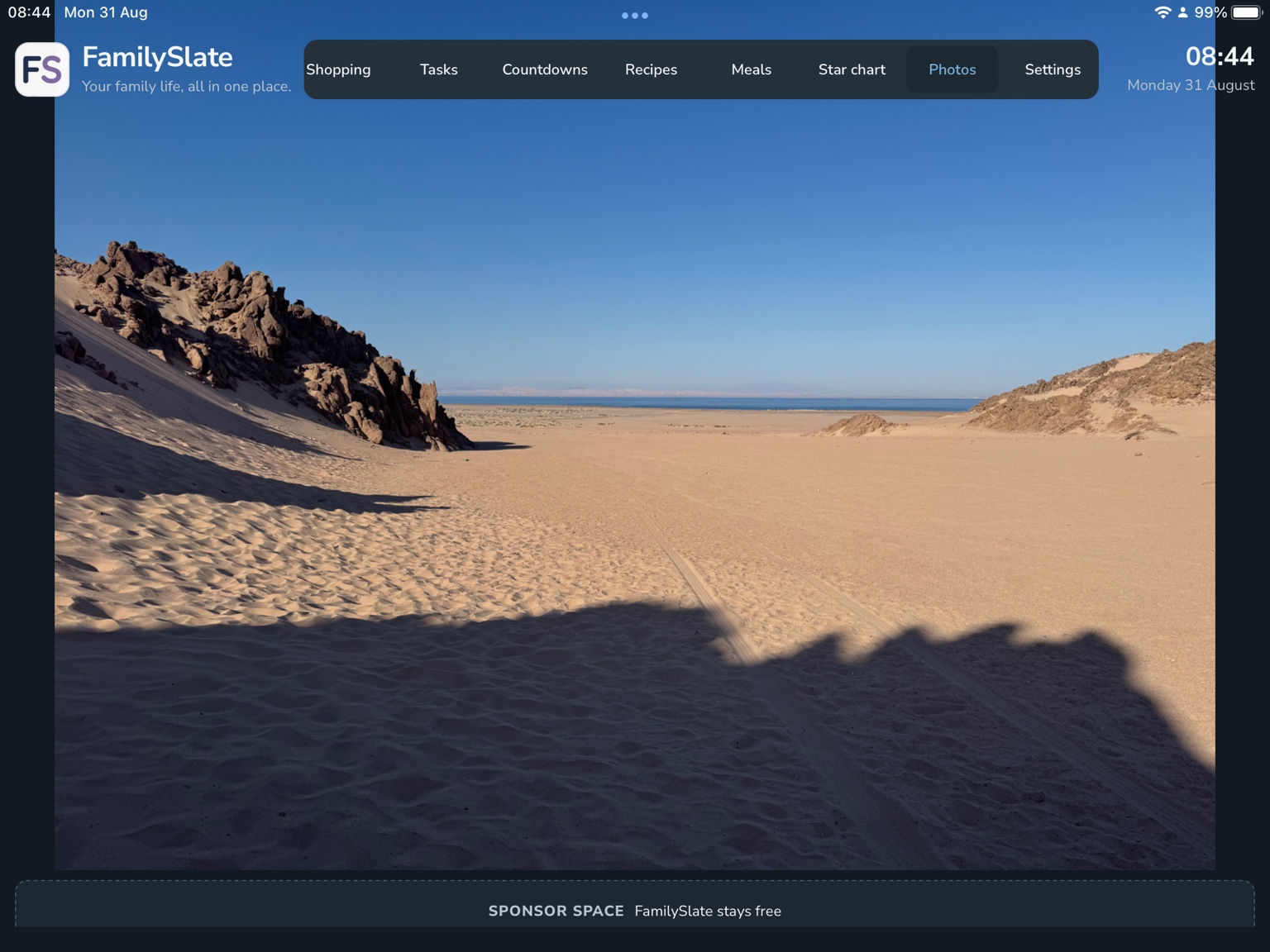

FamilySlate can live on the devices you already own. Mount an iPad on the fridge, keep one on a kitchen stand, or use a shared screen wherever your household naturally gathers.
Always within reach
Calendar, shopping, meals and family information stay visible in the room where you need them.
Use an existing device
A spare or older iPad can become a useful household display instead of sitting unused.
Still works everywhere else
The same household can be opened on phones and computers with a different mix of modules on each device.
FamilySlate is designed with older devices in mind. Instead of replacing a tablet simply because it no longer runs the latest native apps, you can turn it into a shared family calendar, organiser, reward chart or photo display.
Running FamilySlate on iOS 15.8.8 during the current Beta.
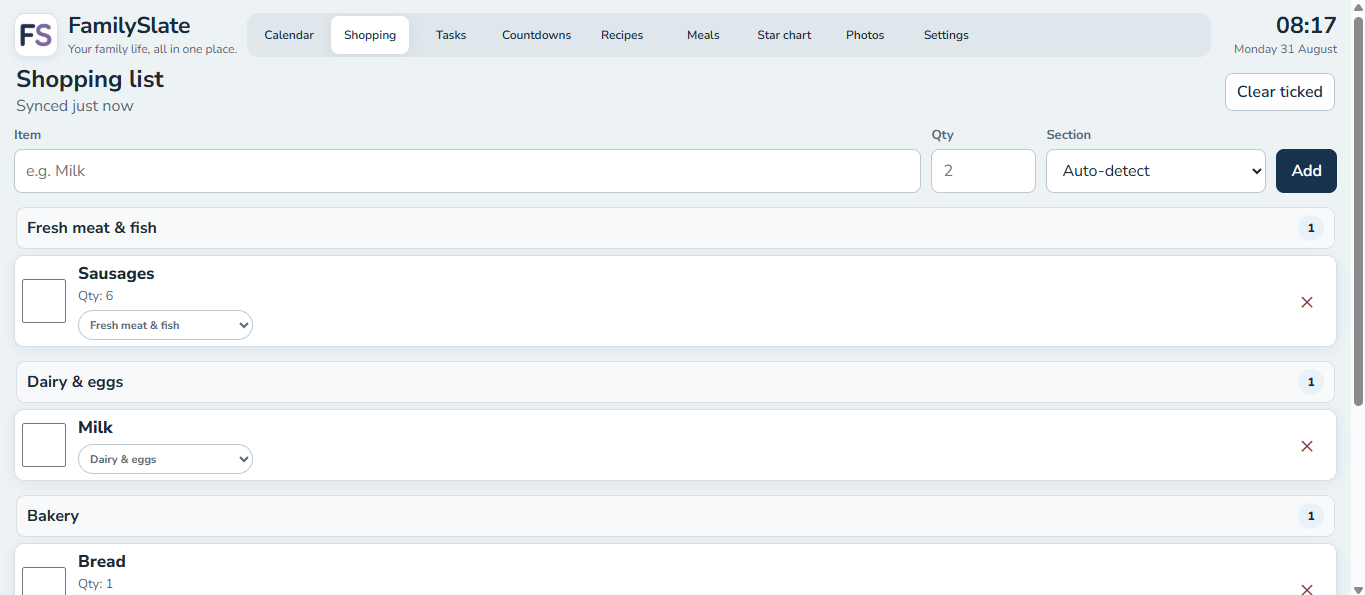
Shared lists organised into practical sections to make the supermarket run easier.
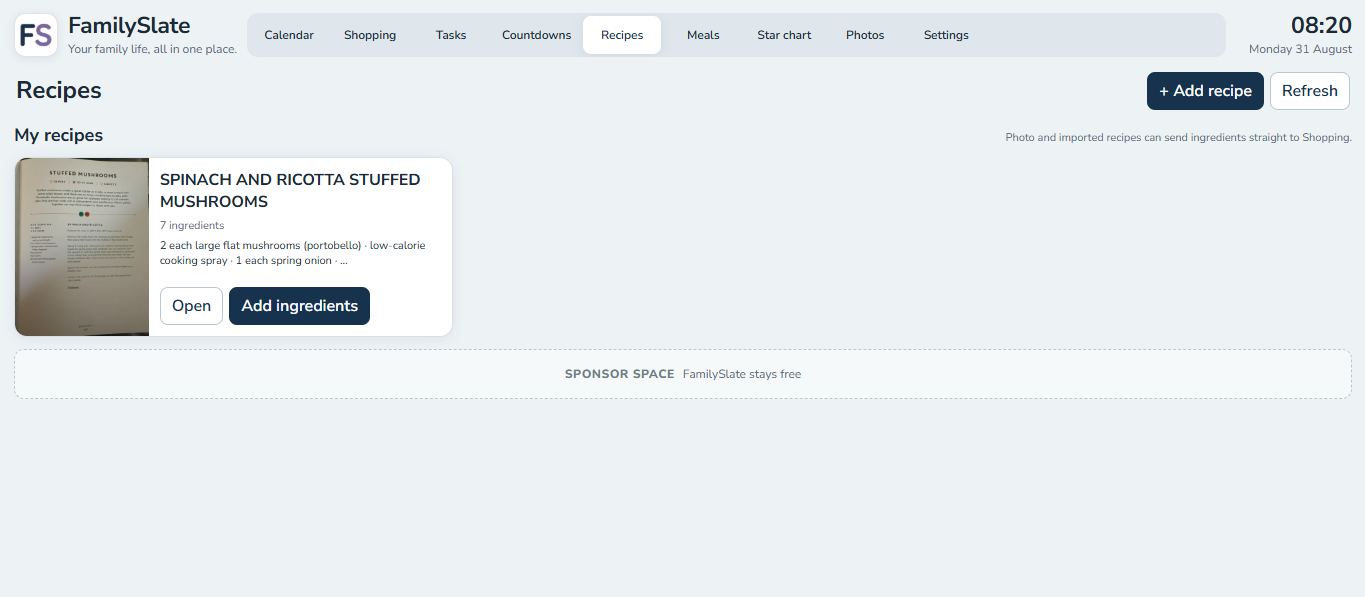
Store recipes, plan meals and send ingredients into the household shopping list.
Create colourful star charts and chore views that are easy for children to follow.
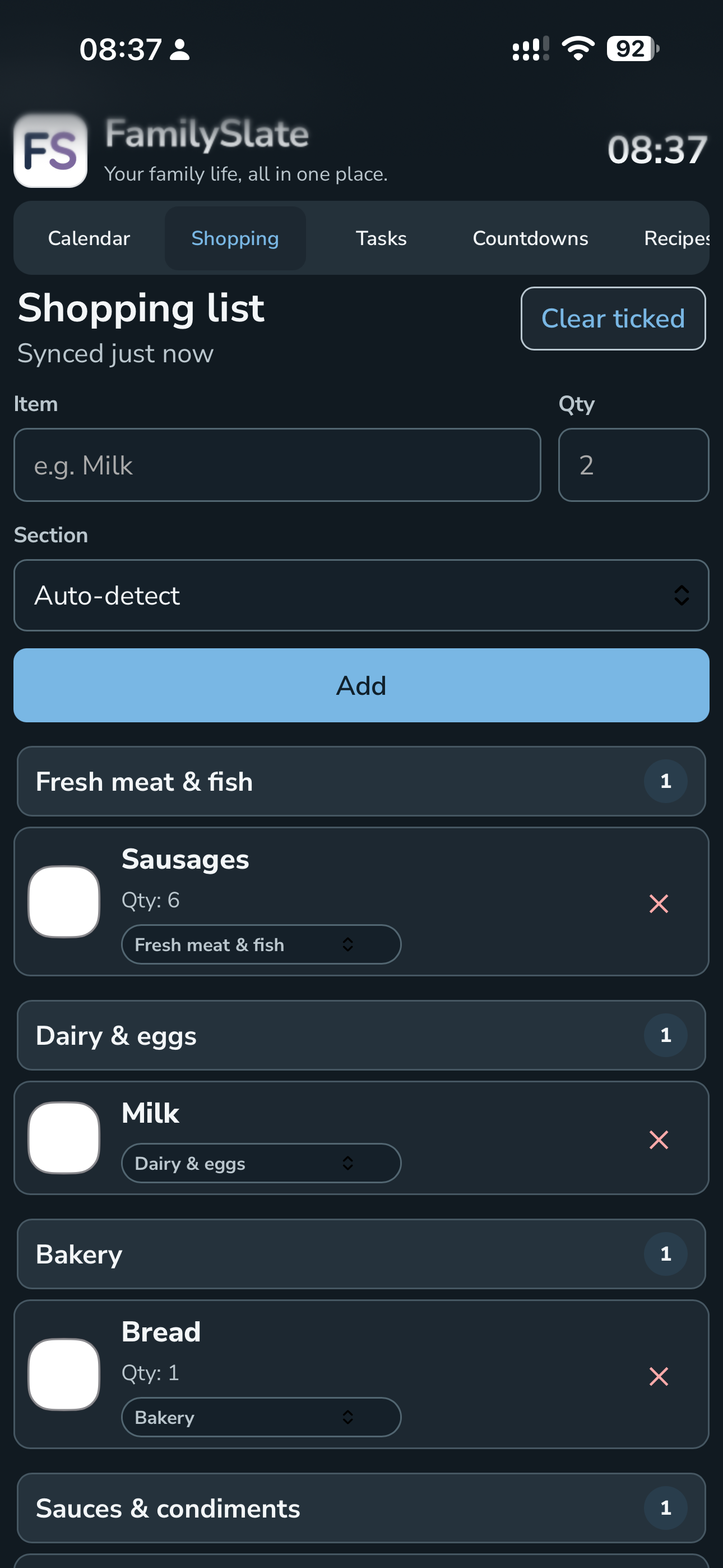
Keep recurring jobs and everyday to-dos visible without another separate app.
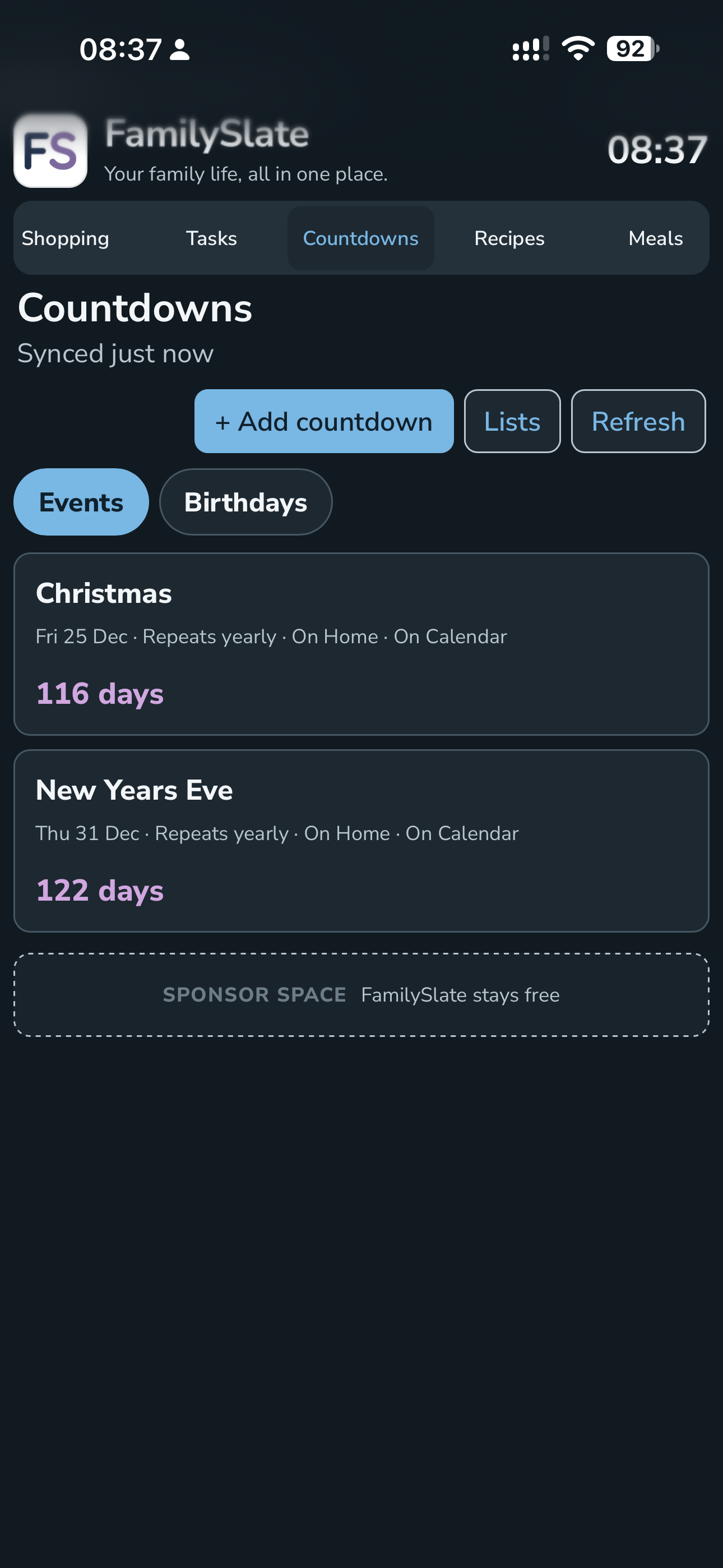
Keep holidays, birthdays and important events visible at a glance.
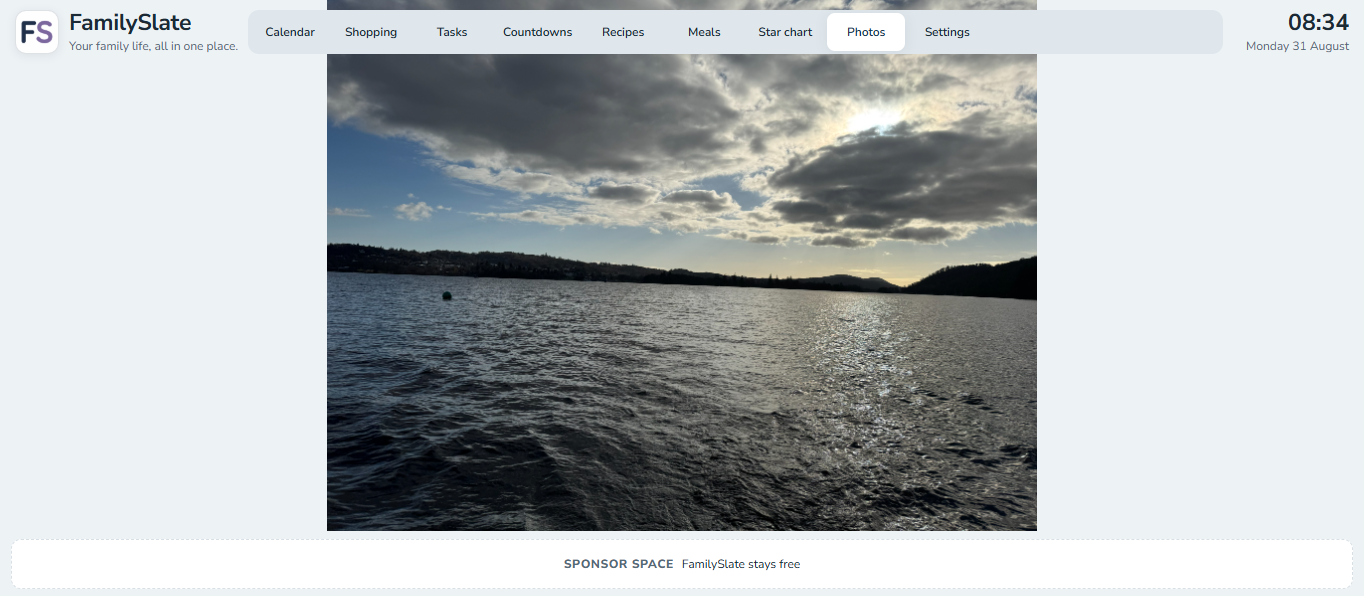
Show a different mix of modules on each connected device while keeping one shared household.
The kitchen display does not need to behave like your phone. FamilySlate lets each connected device show its own selection of modules while staying part of the same household.
Show Calendar and Photos on a shared screen, Shopping and Tasks on a phone, and everything on a computer if you want.
It is designed around real household routines: quick glances, simple edits and the things families genuinely need every day.
Pair another device using a short-lived invite and PIN, then manage connected devices from FamilySlate settings.
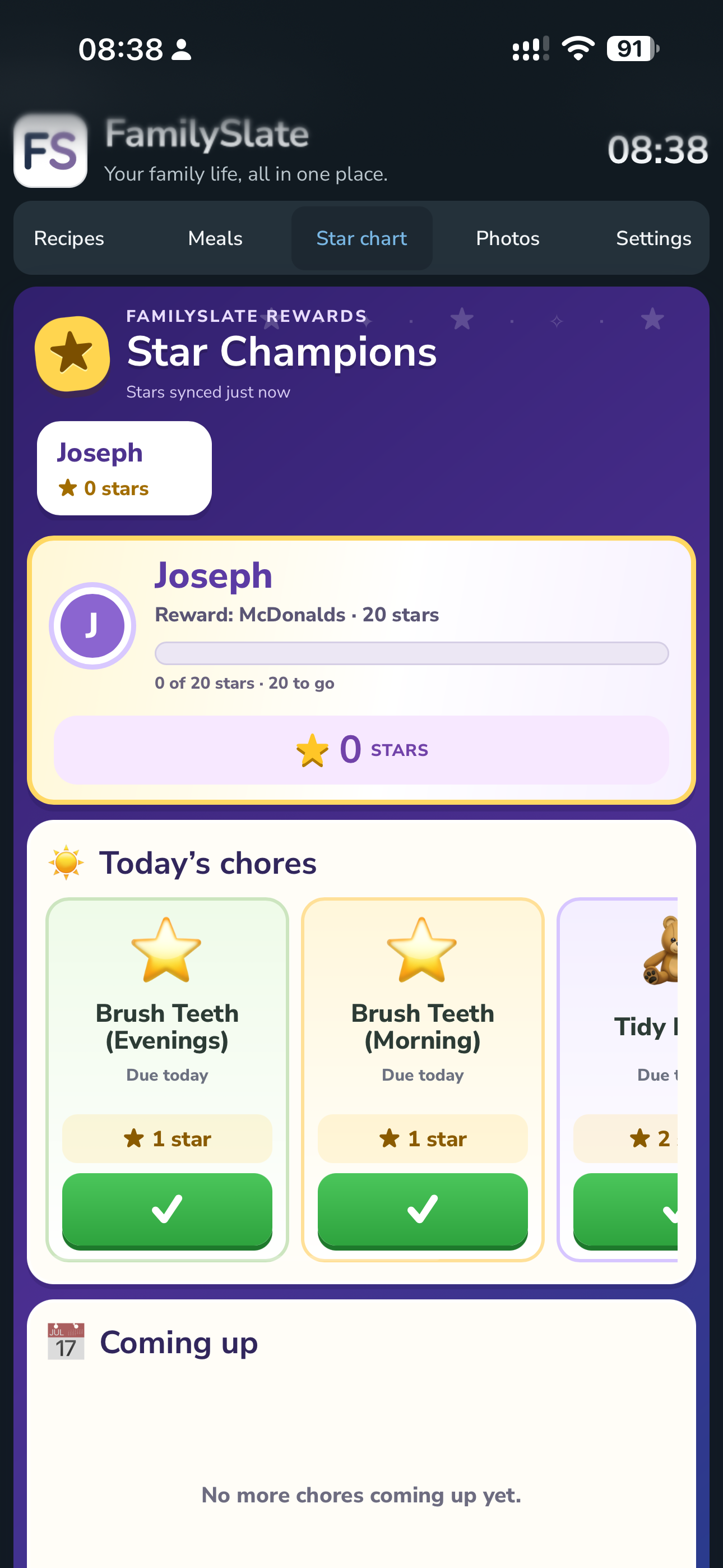
The Beta is focused on the details that matter day to day: readability, pairing, reliability, mobile behaviour and how the modules fit together. Feedback can be sent directly from inside the app.